
Discord has become one of the world’s most popular online communities, games, and collaboration platforms. It not only brings together millions of users, but also serves as an important platform for privacy protection, multi-account management, and automated operations.

If you are running a community, managing multiple accounts, or running automated scripts, you may encounter the following problems:
⚠️ IP blocked
⚠️ Regional restrictions make some features unavailable
⚠️ Multiple account logins are marked or restricted
At this time, a residential IP proxy can help you solve the problem.
What is a residential IP proxy?
Simply put, a proxy server acts as a relay between your device and the Discord server:
✅ Your real IP address is hidden
✅ All requests appear as the proxy server’s IP address
✅ It can bypass regional blockades and prevent flagging for multiple accounts.
Unlike VPNs, proxies don’t encrypt all traffic. They’re lighter and faster, making them ideal for managing multiple Discord accounts, running bots, and automating tasks.
Common Discord proxy types
SOCKS5 proxy
Optimized speed, supports Discord desktop and mobile
Compatible with most bots and automation tools
Low latency, strong stability
HTTP proxy
Suitable for browser-based access to Discord
Limited support in some bot frameworks
Residential proxy
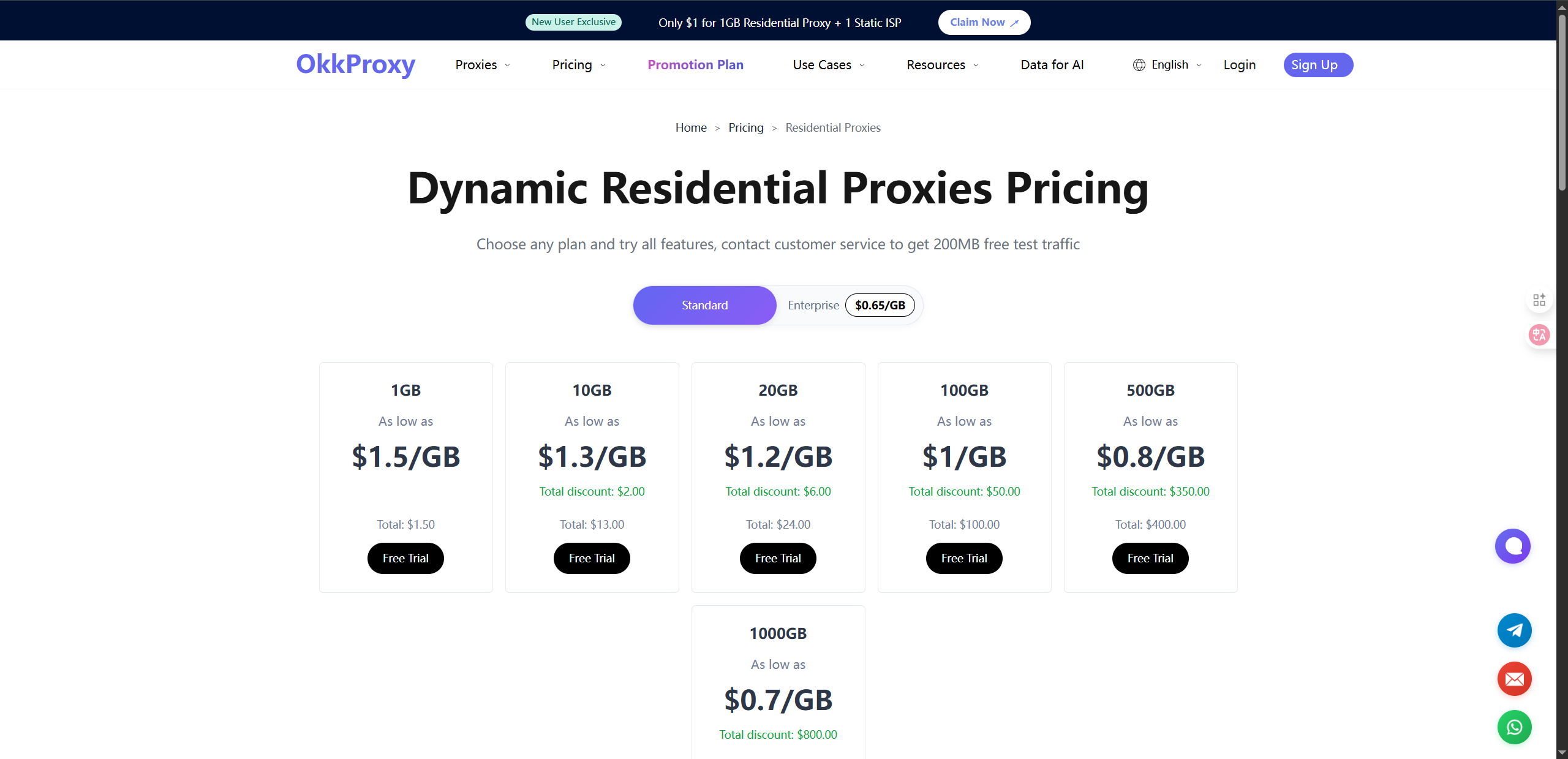
Use a residential IP assigned by a real ISP
Highly concealed, extremely difficult to be blocked
Especially suitable for multi-account management and long-term use
Datacenter proxy
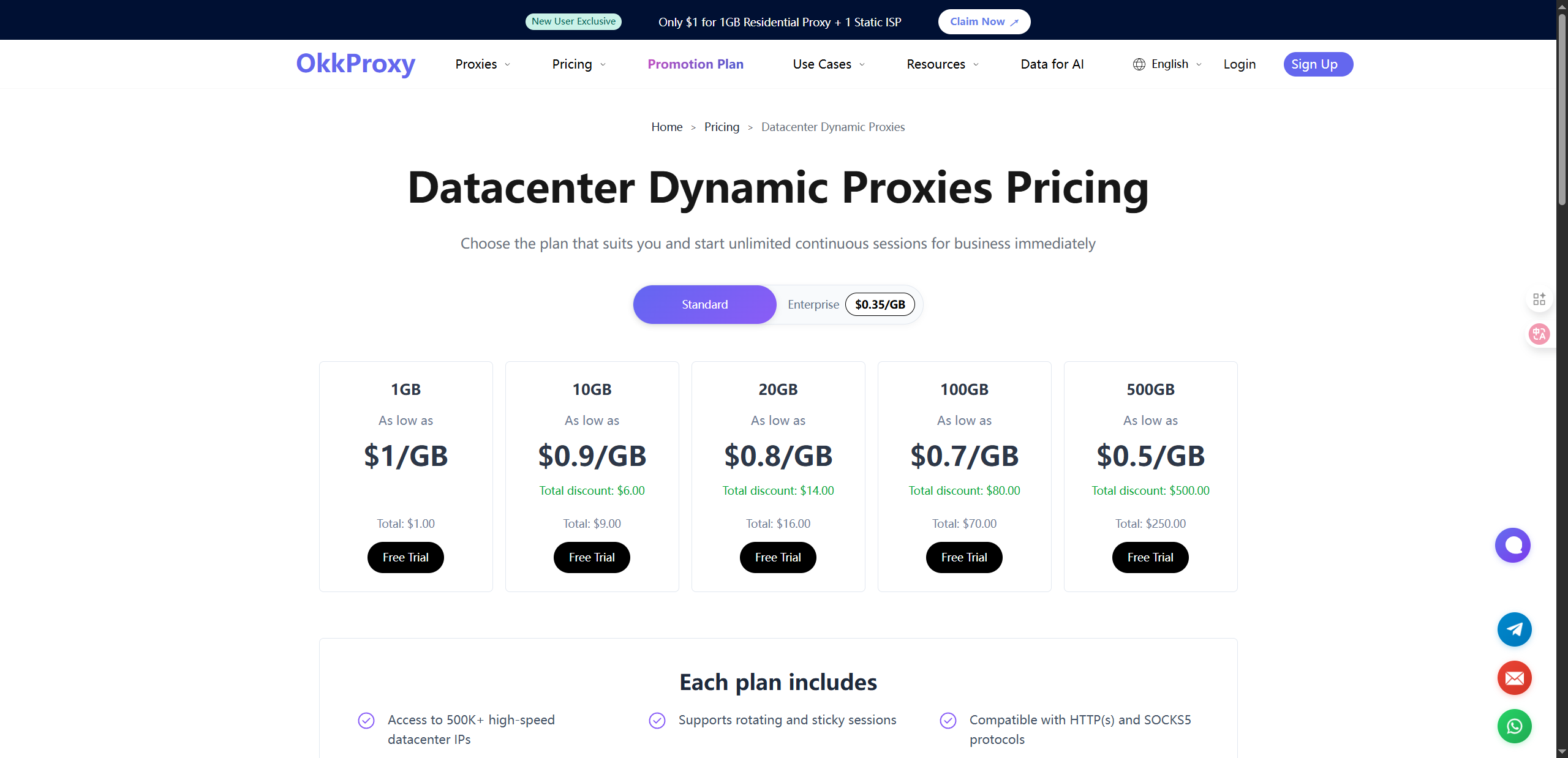
Fast speed, low cost
But easily blocked by Discord Identify and Block
Best suited for large-scale automated testing
👉 Of all proxy types, Residential Proxy + SOCKS5 is the most suitable combination for Discord.
Why Do Discord Users Need a Proxy?
Protect Your Real IP
A proxy can hide your true location, preventing Discord from recording or tracking you.
Multiple Account Management
Using the same IP address for multiple accounts can easily lead to flagging. A proxy makes each account appear to be from a different device, significantly reducing risk.
Breakthrough Regional Restrictions
Certain servers or features may only be available in certain regions. A proxy can help you disguise yourself as a user from another region.
Enhance Automation Security
Whether running bots or scripts, a proxy can reduce the likelihood of being identified as anomalous.
How a Discord proxy works
The process is actually quite simple:
Your device sends a request to the proxy server.
The proxy hides or replaces your real IP address.
The request is forwarded to the Discord server.
Discord returns a response, which the proxy then passes on to you.
From Discord’s perspective, all your actions are performed through the proxy IP address, not your real IP address.
How to Set Up a Discord Proxy
Desktop (Windows / Mac)
Open Discord > Settings > Network/Proxy Settings
Select SOCKS5 or HTTP Proxy
Enter the proxy IP, port, username, and password
Save and restart Discord
Mobile (iOS / Android)
Configure a proxy in your system settings, or install a proxy management app.
Enter the proxy parameters (IP, port, authentication information)
Open Discord and test whether the connection is successful.
Test whether the proxy is working.
Use an IP detection tool to confirm that the IP has been switched.
Check that latency and stability meet your requirements.
Best Practices for Using a Discord Proxy
🔹 Use a SOCKS5 proxy to run bots and automation faster and more reliably.
🔹 When managing multiple accounts, regularly rotate your IP to avoid logging into multiple accounts from the same IP.
🔹 Avoid free proxies; they are often unstable and may log your data.
🔹 Use a strong password and 2FA (two-factor authentication) to improve overall security.
Why Choose OKKProxy Looking for a Discord proxy?
OKKProxy is a professional proxy service provider, offering a variety of proxy solutions suitable for Discord, balancing speed, anonymity, and stability.
OKKProxy Core Advantages:
🌍 Massive IP Resources: 70+ million residential IPs, covering 200+ countries and regions
⚡ Strong Stability: 99.9% uptime, no disconnections even during long idle sessions
🔑 Protocol Support: HTTP and SOCKS5, compatible with all platforms
🎯 Flexible Options: Static residential proxies (stable IPs) + Dynamic residential proxies (rotating IP pools)
🛡️ High Anonymity: IPs assigned by real ISPs, making them harder for Discord to detect
Legal and Compliance Notice
Using a proxy isn’t illegal, but you must still abide by Discord’s Terms of Service.
Using it for spam, illegal activities, or to bypass bans is prohibited; otherwise, your account may be permanently banned.
✅ We recommend using proxies responsibly to ensure the safety of your account and the community.
Summary
Discord Proxy This is especially important for users who:
Want to hide their real IP address and protect their privacy
Need to securely manage multiple accounts
Want to bypass regional restrictions
Run bots or automated scripts
💡 With OKKProxy’s residential proxy and SOCKS5 services, you can achieve enhanced anonymity and stability, easily improving your Discord experience.
🚀 Try OKKProxy Discord Proxy Now
👉 Visit the OKKProxy official website
🎁 New users can get free trial data to enjoy a fast, secure Discord connection right away!
