How to Use a Discord Proxy Safely: Step-by-Step Guide

Discord is more than just a chat app—it’s a hub for communities, gaming, and business teams. Many users rely on proxies to protect their IP, manage multiple accounts, or bypass regional restrictions. However, incorrect proxy use can lead to account suspensions, connectivity issues, or slow performance.
In this guide, we’ll walk you through safe and effective ways to use Discord proxies, whether you’re a beginner, a bot operator, or managing multiple accounts with OkkProxy.
Why Using a Proxy Safely Is Crucial
Improperly configured proxies can:
– Expose your real IP address
– Trigger Discord’s security checks
– Lead to temporary or permanent bans
– Slow down your connection
Safe proxy use ensures your accounts remain secure, automated tasks function smoothly, and privacy is maintained without violating Discord’s rules.
Choosing the Right Proxy Type
Not all proxies are created equal. Selecting the right type is the first step to safe Discord usage:
1. SOCKS5 Proxies
– Fast, supports TCP/UDP connections
– Works well with desktop clients, bots, and automation tools
– High anonymity with minimal performance impact
2. HTTP Proxies
– Best for web-based Discord
– Limited for bot frameworks or automation
– Can be used with browser extensions
3. ISP (Static Residential) Proxies
– Real IPs from ISPs; difficult for Discord to block
– Ideal for multi-account setups or bypassing geo-restrictions
– More expensive but highly reliable
4. Datacenter Proxies
– Fast and cost-effective
– Easier for Discord to detect
– Suitable for testing or temporary accounts
For maximum safety and reliability, OkkProxy recommends ISP (static residential) proxies for multi-account and automation use.
Step-by-Step Setup for Discord Proxies
1. Desktop Client Setup
– Open Discord → Settings > Network/Proxy (or configure system proxy)
– Enter proxy IP, port, username, and password
– Save settings and restart Discord
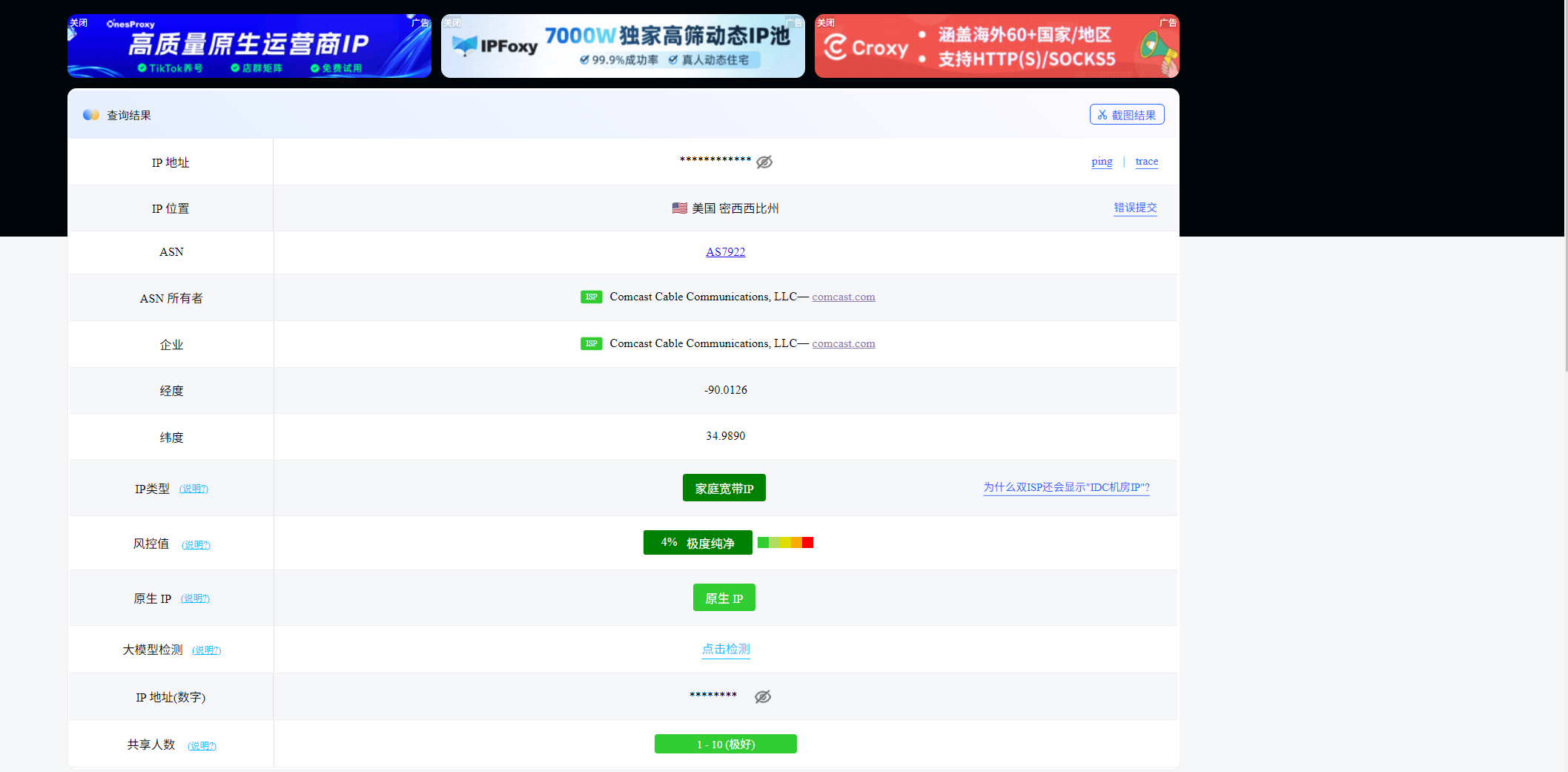
– Test connectivity using an IP checker
2. Mobile Setup
– Install a proxy manager or configure device proxy
– Input proxy details (IP, port, credentials)
– Open Discord and verify connectivity
3. Testing Your Proxy
– Use online tools to check your visible IP – Confirm latency and packet loss are minimal – Ensure multi-account operations do not trigger security warnings
Best Practices for Safe Discord Proxy Use
1. Rotate IPs for Multi-Account Management – Avoid using a single IP for multiple accounts. Rotate IPs to distribute traffic.
2. Prefer SOCKS5 for Bots and Automation – Provides reliable UDP/TCP connections.
3. Avoid Free or Public Proxies – Untrusted proxies may log activity or inject malicious traffic.
4. Monitor Account Activity – Check account health regularly.
5. Enable 2FA and Strong Passwords – Proxies protect IP, not credentials.
Discord Automation and Proxy Use
Automation often requires sending multiple HTTP requests from different accounts. Proxies help:
– Prevent IP bans – Each request can come from a unique IP
– Enable region testing – Access servers as if you were in different countries
– Support bot networks – Reliable SOCKS5 proxies allow simultaneous operations
OkkProxy provides static residential proxies with global coverage and high uptime, minimizing the risk of bans.
Troubleshooting Common Proxy Issues
– Connection Drops – Check proxy stability; residential IPs perform best
– High Latency – Datacenter proxies may offer lower latency but higher detection risk
– Login Verification Prompts – Rotate IPs carefully; avoid too many requests from the same proxy
– Compatibility Issues – Ensure the proxy type matches the platform (desktop, mobile, browser)
OkkProxy Recommendations for Discord
– SOCKS5 Proxies – Best for automation and bots
– Static Residential Proxies – Highest anonymity and safest for multi-account setups
– Global Coverage – Access Discord from 220+ countries
Learn more or start a trial: OkkProxy Free Trial
Legal and Ethical Guidelines
Proxies are legal in most countries, but Discord’s Terms of Service still apply. Avoid:
– Spamming
– Bypassing permanent bans
– Sharing accounts or credentials
Proxies should enhance privacy and flexibility without violating rules.
Conclusion
Safe proxy use is essential for:
– Protecting IP and personal privacy
– Managing multiple Discord accounts
– Automating bots and scripts efficiently
– Bypassing regional restrictions
With OkkProxy’s SOCKS5 and ISP (static residential) proxies, users can confidently enhance their Discord experience while staying compliant and secure.
