
Why Use Proxies in JMeter Testing?
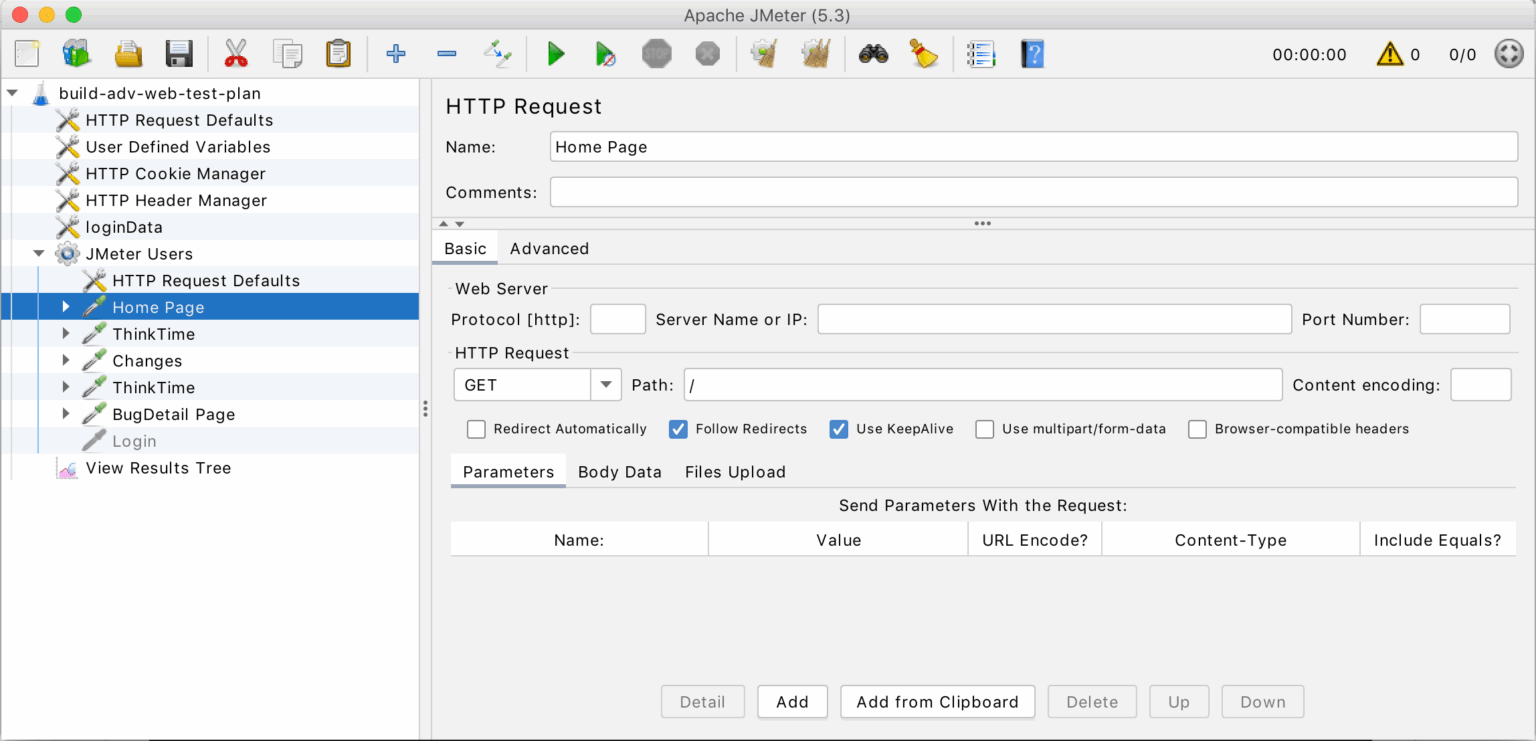
When running JMeter without proxies, all requests come from a single machine or server, which leads to:
– IP Blocking or Throttling – Websites may restrict repeated requests from one IP
– Unrealistic User Simulation – Real users connect from diverse regions
– Limited Geolocation Testing – Hard to simulate traffic from multiple countries
Proxies solve these challenges:
– Rotate residential proxies to mimic real-world behavior
– Test application accessibility from different regions
– Prevent bans that could skew test results
Introducing OkkProxy
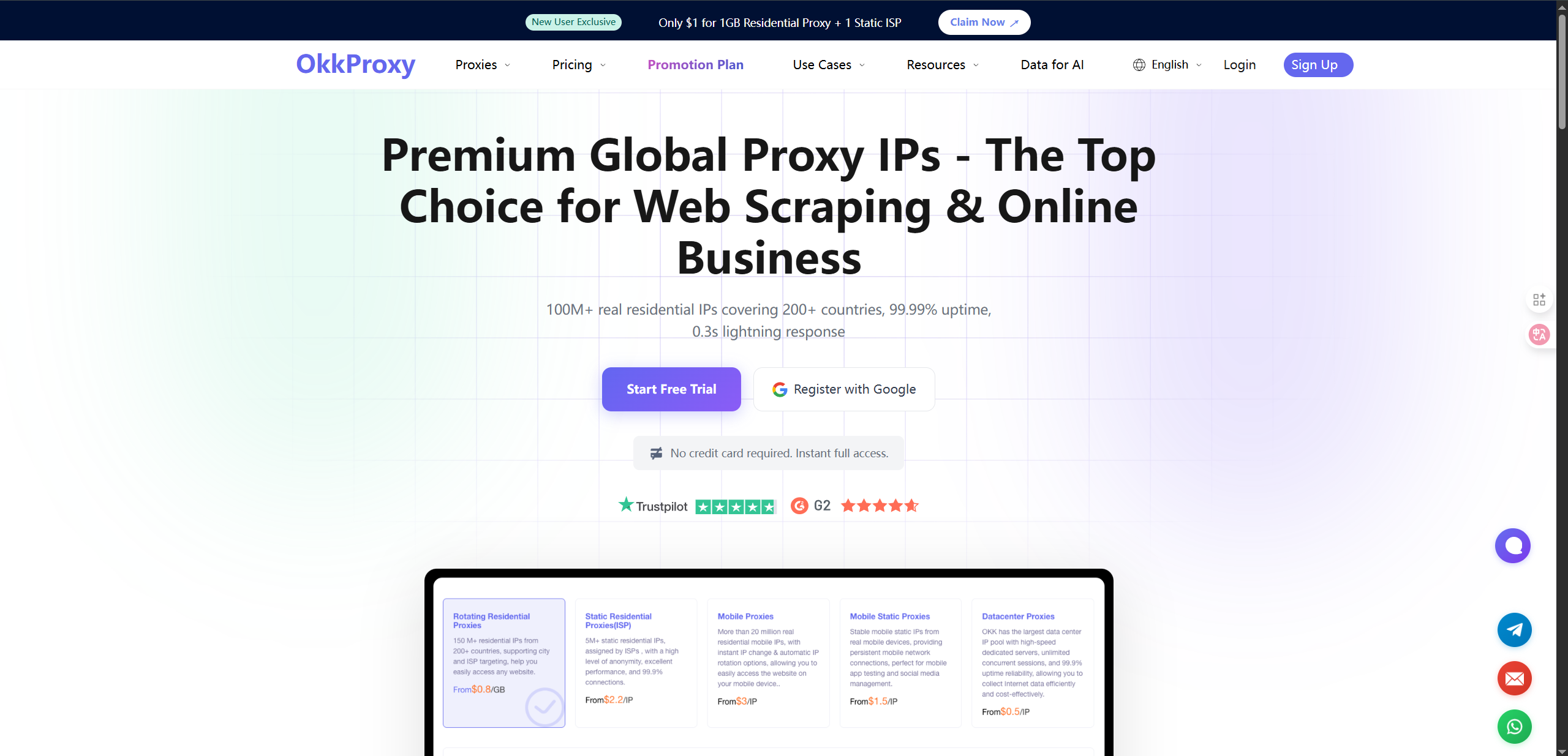
OkkProxy provides residential, datacenter, and ISP proxies across 200+ countries and regions. Key benefits for testers include:
– Global Coverage – Run tests as if traffic comes from multiple regions
– Stable Connections – Low-latency IPs for accurate benchmarks
– Flexible Packages – Static or rotating IPs based on test requirements
– Easy Setup – Intuitive dashboard for quick proxy integration
How to Configure Proxies in JMeter
1. Open JMeter and create a Test Plan
2. Add a Thread Group to simulate virtual users
3. Insert HTTP Request Defaults for the target server
4. Configure proxy settings: – Go to HTTP Request Defaults → Proxy Server – Enter your OkkProxy host and port – Provide OkkProxy username and password if required
5. Run the test and verify requests are routed via OkkProxy
Best Practices: JMeter + OkkProxy
– Use Rotating Residential Proxies for high-volume tests to avoid bans
– Apply Static ISP Proxies when session consistency is required
– Combine proxies with parameterization (CSV Data Set Config) for diverse scenarios
– Monitor Proxy Performance: track latency and error rates
– Scale Gradually: start small, then expand threads and regions
Example Use Cases
– E-commerce Performance Testing – Simulate buyers from Europe, Asia, and the US
– API Reliability – Validate performance under global traffic loads
– Geo-blocked Services – Test application accessibility in restricted regions
Conclusion
Accuracy and realism are critical in performance testing. Running JMeter without proxies provides only a partial view of user experience. By integrating OkkProxy, you can: – Avoid IP restrictions – Simulate diverse user traffic – Achieve scalable and reliable test results
For QA engineers, developers, and enterprises, OkkProxy transforms JMeter testing into a truly global and realistic process. Start with OkkProxy’s flexible proxy plans today and scale your testing effortlessly.
