
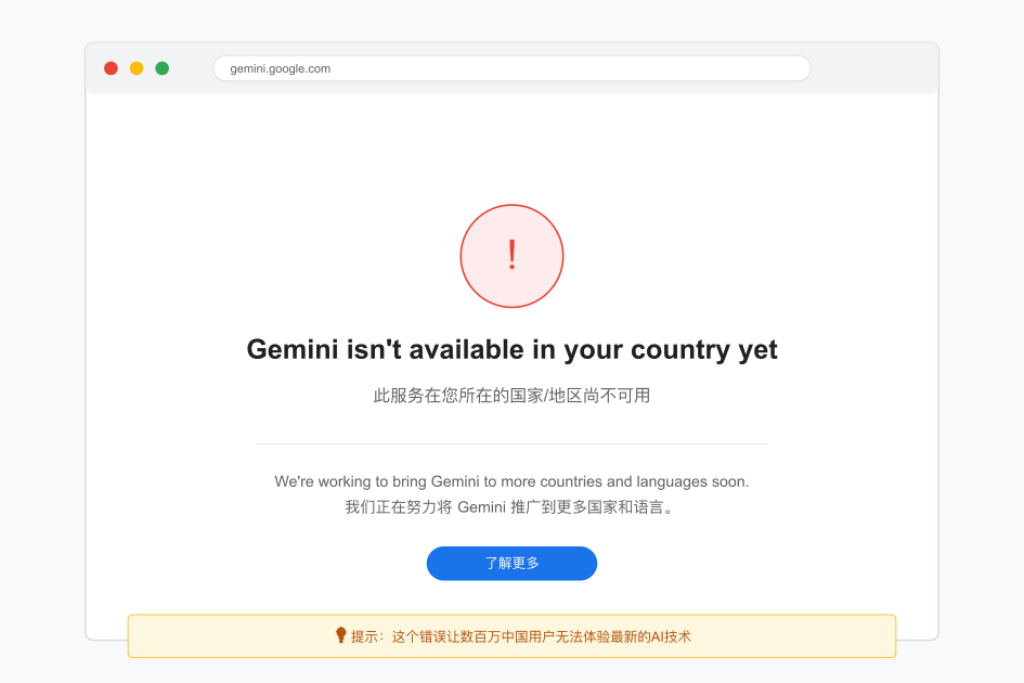
In 2023, Google launched the new AI product Gemini (formerly Bard), which can be used for writing, coding, brainstorming, and even generating marketing copy. However, Gemini is not available worldwide, and many users still see the frustrating message “Gemini is not available in your country.” The good news is that you can successfully unlock google gemini with a reliable residential IP and fingerprint browser, gaining instant access even from restricted regions.
“Gemini is not available in your country.”
This happens because Google determines user location based on IP addresses. If your network is outside supported regions, access will be blocked. The solution is to use residential IPs, which simulate a real user network.
Why Use Residential IP to unlock google gemini
- Data center IPs are easily detected: Google can identify and block data center IPs.
- VPNs are unstable: Many public VPNs are blacklisted by Google, reducing login success.
- Residential IPs mimic real users: From regular home broadband, residential IPs have higher login success rates.
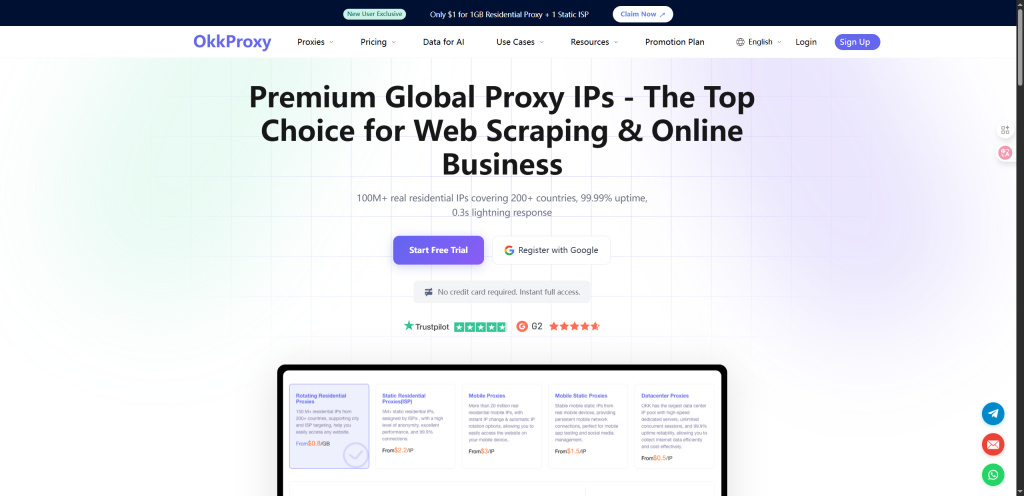
Therefore, to access Gemini reliably, residential IP is the best choice: OKKProxy Residential IP.
Steps to Access Gemini
1. Prepare Tools
- Residential IP provider covering Gemini-supported regions (US, Japan, Europe, etc.)
- Proxy-configurable browser, preferably a fingerprint browser
2. Configure Residential IP
- Create a new Profile in fingerprint browser
- Assign an independent residential IP to the Profile
- Recommended to fix the location (e.g., US) to avoid frequent switching
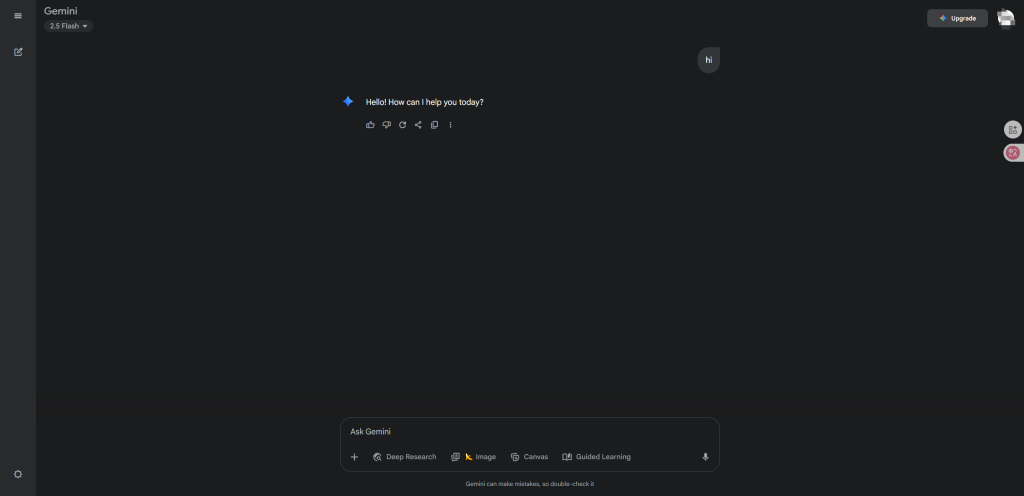
3. Log In to Gemini
- Open Google Gemini
- Ensure the IP is set to the target region
- Log in with a Google account corresponding to that region
4. Usage & Optimization
- Keep the IP stable, avoid frequent switching
- Always use the same Profile to maintain consistent browser fingerprint and cookies
- For multiple accounts, use multiple Profiles with different residential IPs
Tips
- Avoid shared or cheap proxies: likely blocked by Google
- Do not frequently switch IP or regions
- One environment per account: isolate Profiles for multiple accounts
Conclusion
Google Gemini’s region restrictions are essentially IP-based. To unlock access:
- Use residential IP to simulate a supported region
- Combine with a fingerprint browser to isolate account environments
- Maintain stable IP and normal usage behavior
This ensures reliable Gemini access, suitable for developers, cross-border e-commerce operators, and content creators.
