Microsoft Copilot is an AI-powered assistant integrated into Microsoft 365 apps such as Word, Excel, PowerPoint, and Outlook. It helps users write faster, analyze smarter, and automate daily tasks.
However, due to regional access restrictions, some users cannot activate or use Copilot features normally.
This guide shows how OkkProxy enables you to bypass these limitations and access Microsoft Copilot seamlessly from anywhere in the world.
1. Why Microsoft Copilot May Not Be Available in Your Country
Microsoft Copilot isn’t yet available in all regions. Microsoft determines access based on your IP address or Microsoft 365 account region.
If your IP originates from an unsupported area, you may see:
– “Copilot is not available in your region.”
– “Subscription unavailable.”
– “Unable to connect to Microsoft Copilot.”
Reason:
Copilot’s servers block IPs from restricted countries or networks to comply with regional access policies.
2. How OkkProxy Helps You Bypass Copilot Restrictions
OkkProxy provides residential proxies across more than 180 countries, allowing users to connect through supported regions like the US, UK, or Germany — enabling smooth and reliable access to Microsoft Copilot.
How It Works:
– Routes your connection through high-anonymity residential IPs that mimic real users.
– Automatically assigns supported region IPs to ensure stable connectivity.
– Uses smart IP rotation to prevent bans and maintain long sessions.
OkkProxy vs VPN:
| Feature | VPN | OkkProxy |
| ——– | — | ——– |
| Anonymity | Medium | High, undetectable |
| Stability | Often unstable | Consistent long-term access |
| Country Options | Limited | 180+ countries |
| Detection Risk | High | Very low |
| Compatibility | Browser only | Works across Microsoft 365 apps |
3. How to Configure OkkProxy for Microsoft Copilot
Step 1: Sign Up for OkkProxy
Visit OkkProxy Official Website and create an account. Choose the *Residential Proxy Plan.*
Step 2: Select a Supported Region
Choose nodes in the US, UK, Germany, or other regions where Copilot is available.
Step 3: Copy the proxy information to the fingerprint browser
Paste the generated node into the fingerprint browser and check if it is normal.
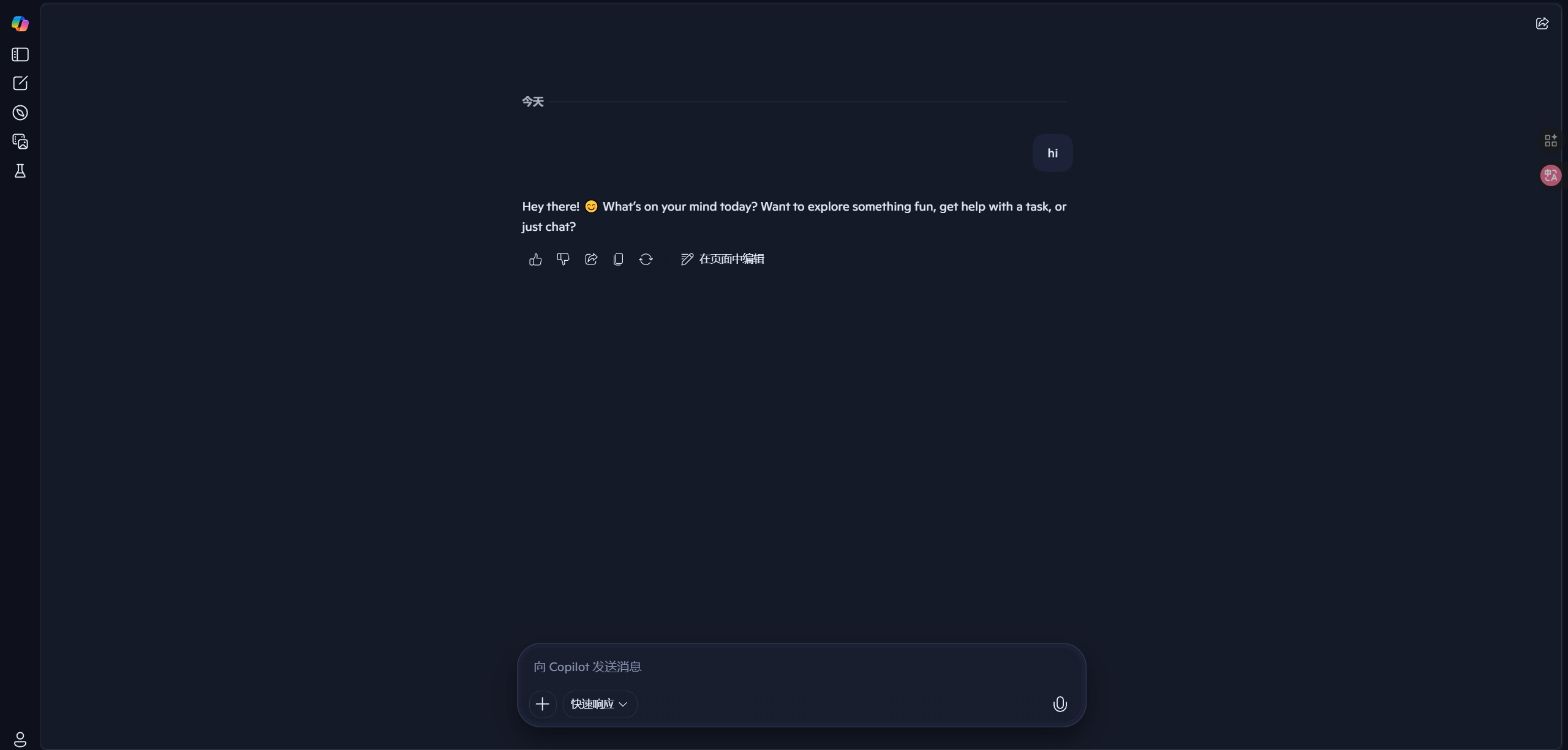
Step 4: Re-enable Microsoft Copilot
Open the configured fingerprint browser window. Microsoft Copilot will now be enabled normally.
4. Why Choose OkkProxy
– 🌍 Global Residential IP Coverage — Access 180+ regions.
– ⚡ High-Speed Connection — Low latency and fast response.
– 🔁 Smart IP Rotation — Prevents blocking or throttling.
– 🔒 True Residential Anonymity — Avoids proxy detection.
– 💼 Full Compatibility — Works with all Microsoft 365 and Office apps.
5. Conclusion: Work Smarter Anywhere with OkkProxy + Microsoft Copilot
Microsoft Copilot empowers professionals with AI-driven productivity, but regional restrictions can be frustrating.
With OkkProxy, you can bypass those barriers securely and enjoy a seamless, high-speed experience across Microsoft apps — no matter where you are.
👉 Visit OkkProxy Official Website and start your global, unrestricted Microsoft Copilot journey today!
