Torrenting raises two core operational questions: how to stay private, and how to keep downloads fast and reliable. Many users choose between a VPN and a proxy (or use both).
This guide explains the technical differences, real-world tradeoffs, and practical setups — and it naturally covers related topics like residential vs datacenter proxies, SOCKS5 and HTTP proxies, command-line usage (curl,wget), and even when scraping/collecting data you should prefer specific proxy types. By the end, you’ll know which option fits your torrenting needs and how to test safely with trials like a private proxy free trial or a free proxy trial.
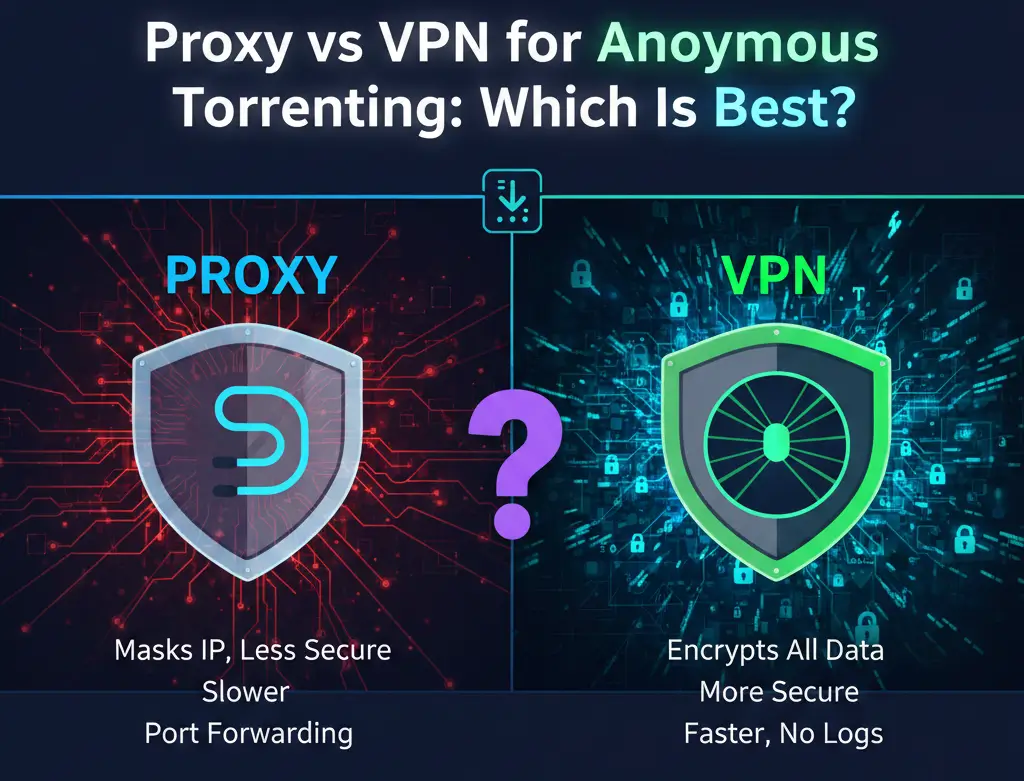
Quick summary — Proxy vs VPN for torrenting
Proxy (application-level): reroutes traffic only for the app you configure (e.g., your torrent client). Often faster and cheaper, but many proxies do not encrypt traffic. Best when you only need IP masking for one client.
VPN (recommended): encrypts all your device’s traffic, hides your IP from peers and your ISP, supports kill switches and leak protection. Good for comprehensive privacy while torrenting.
How VPNs and proxies work
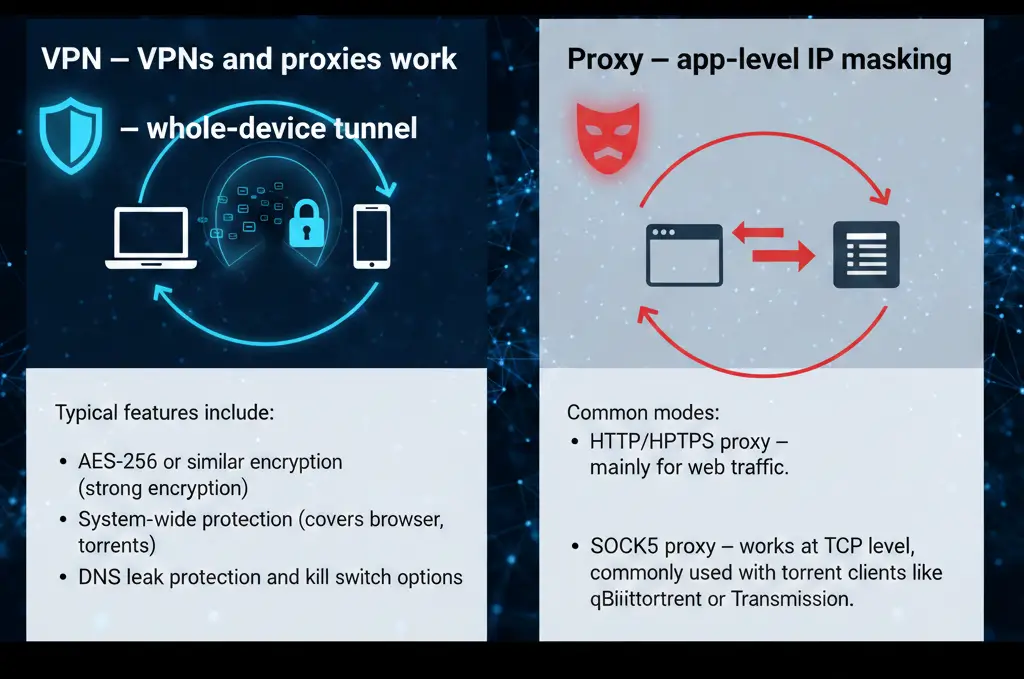
VPN — whole-device tunnel
A VPN creates an encrypted tunnel from your device to a VPN server. That server becomes your public IP (e.g., a proxy server uk ip address if using a UK VPN exit). Your ISP sees only an encrypted connection to the VPN provider, not the torrent traffic itself. Typical features include:
- AES-256 or similar encryption (strong encryption)
- System-wide protection (covers browser, apps, torrents)
- DNS leak protection and kill switch options
Proxy — app-level IP masking
A proxy replaces the IP for the configured application only. Common modes:
- HTTP/HTTPS proxy — mainly for web traffic.
- SOCKS5 proxy — works at TCP level, commonly used with torrent clients like qBittorrent or Transmission. SOCKS5 handles more protocols and can be configured with username/password. Example: use proxy with curl or curl with proxy example.
Advantages: sometimes lower latency and cheaper. Disadvantages: no encryption unless you combine with a VPN; less protection against ISP monitoring.

Types of proxies — which for torrenting?
Residential vs Datacenter proxies
- Residential proxies are routed through real household IPs and look like normal users. They are harder to block and more “natural” — useful for scraping or when you need high trust.
- Datacenter proxies are hosted in cloud/data centers. They’re fast and cheaper, but more likely to be flagged by anti-abuse systems.
For torrenting, datacenter proxies may be blocked by trackers/peers and are riskier. If you rely on proxies for downloads, residential or mobile proxies are preferred for reliability.
Mobile and rotating proxies
- Mobile proxies (4G/5G) appear extremely natural and are useful for high-trust operations.
- Rotating proxies change IP frequently; good for scraping multiple pages but problematic for long-running BitTorrent swarms because peers expect a stable IP.
Conclusion: for torrenting prefer stable IP (static residential or VPN); rotating proxies are better suited to scraping workflows.
Security and privacy details
Encryption and leak protection
A VPN encrypts payload and metadata; a proxy usually doesn’t. Without encryption, your ISP may still infer torrenting via traffic analysis. A VPN with a kill switch helps prevent accidental IP exposure if the VPN drops.
Logs and trust
Whether you pick a VPN or a paid proxy (residential or datacenter), check the provider’s no-logs policy and reputation. Some data sourcing firms and financial data vendors (or scraping vendors like bright data) provide business-grade endpoints with documented policies.
Performance and reliability
- Throughput: Datacenter proxies and high-quality VPNs often have the best raw throughput.
- Peer connectivity: Torrenting works best when your IP is stable and reachable — port forwarding is easier with some VPNs or dedicated IPs.
- Geolocation: If you need a specific country IP (e.g., united kingdom proxies, proxy indonesia, proxy brasil, japan proxy server, proxy server to india, canada proxies), both VPNs and proxies can provide location-specific endpoints. Consider price location and geo pricing impacts.
Practical setup examples
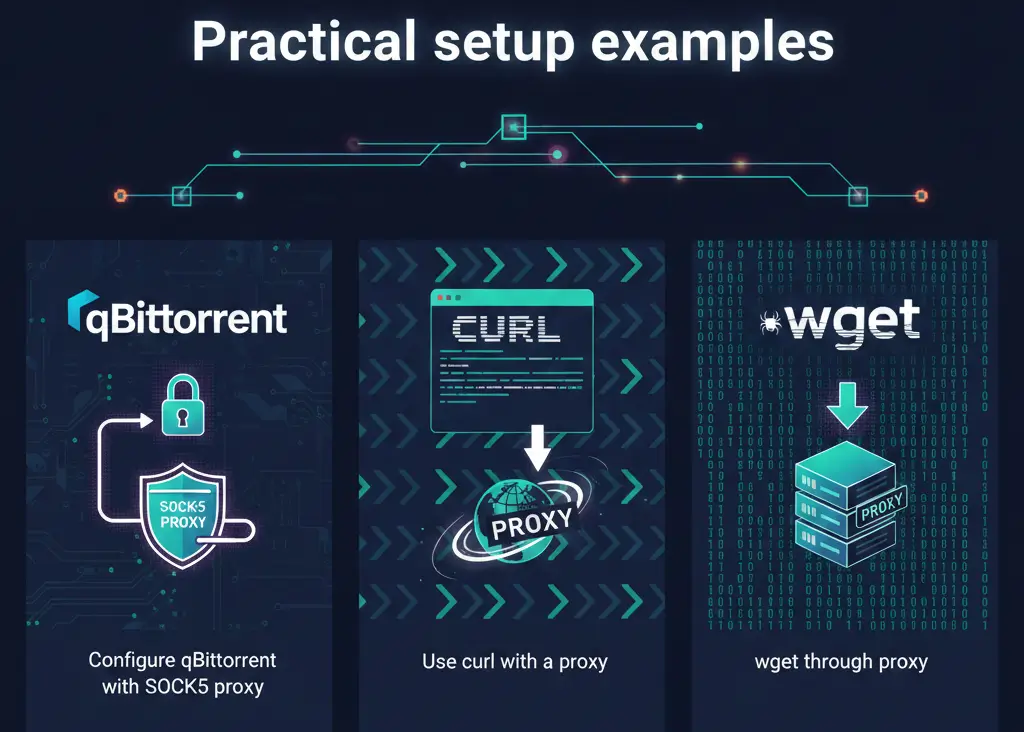
Configure qBittorrent with SOCKS5 proxy
- Get SOCKS5 host/port and credentials (from provider or a private proxy free trial).
- In qBittorrent, set Proxy Server type to SOCKS5 and enter host, port, username, password.
- Optionally enable “Use proxy for peer connections” to route peer traffic through the proxy.
Use curl with a proxy (example)
curl -x socks5h://username:password@proxy.example.com:1080 https://example.com
Curl also supports HTTP proxies: curl -x http://proxy:port and additional headers: curl -H “Authorization: Bearer TOKEN” https://api.example.com (see curl bearer token, curl add headers).
wget through proxy
Set environment:
export http_proxy=http://user:pass@proxy.example.com:8080
wget https://example.com
Troubleshooting and common errors
- 407 / 444 / 522 / 524 / 521 — common HTTP and proxy/VPN related codes; e.g., 407 error is proxy authentication required, 444 error is server closed connection, 522/524 cloudflare/tcp timeout issues.
- IP bans / blocked data — If you see IP banning, switch to a trusted residential proxy or a VPN endpoint.
- Proxy not applied to peers — ensure “use proxy for peer connections” is enabled in your torrent client.
Cost and trial options
- Many providers offer trials: free proxy trial, private proxy free trial, mobile proxy free, residential proxy free trials. Use these trials to test throughput, uptime, and whether peers block the IP range.
- VPNs often provide money-back guarantees (short free periods). Compare price vs performance and regional availability (e.g., buy uk proxies, proxy br, proxy indonesia).
Use cases and recommendations
If you torrent occasionally and want simple privacy
Use a reputable VPN with P2P support, kill switch, and a no-logs policy. This protects all traffic and simplifies setup across devices (desktop, mobile).
If you need app-specific IP masking and performance
Use a SOCKS5 proxy configured in your torrent client. Combine with a VPN if you want encryption — but be careful: chaining VPN + proxy can complicate troubleshooting.
If you also do web scraping or data collection
Separate infrastructure: use dedicated proxy pools for scraping (residential vs datacenter proxies, bright data scraping browser, rotating proxies free tests) and keep torrenting on a stable VPN or dedicated residential IP.
Table — Feature comparison (VPN vs Proxy)
| Feature | VPN | Proxy (SOCKS5 / HTTP) |
|---|---|---|
| Scope of protection | System-wide | App-level |
| Encryption | Yes (strong) | Usually no |
| ISP visibility | Hides torrenting | ISP can infer traffic type |
| Ease of setup | Simple (one client) | Configure per app |
| Port forwarding | Depends on provider | Often limited |
| Best for | Privacy, all apps | App-specific IP masking |
| Cost | Moderate | Varies (some cheap datacenter proxies) |
FAQ
Q: Can I chain VPN + proxy for torrenting?
A: Yes — you can run a VPN and configure a proxy in qBittorrent. This may add latency and complicate troubleshooting. Use only if you understand which hop provides encryption.
Q: Are residential proxies better than datacenter proxies for torrenting?
A: Residential proxies appear more “natural” but are more expensive. For torrenting, a VPN or a dedicated residential IP is typically more reliable than transient datacenter proxies.
Q: How do I test a proxy or VPN before committing?
A: Use provider trials: private proxy free trial, free proxy trial, or VPN money-back windows. Also test with curl or wget (curl-proxy / wget env vars) to ensure proxy correctness.
Q: Can proxies bypass geo blocks for torrents?
A: Yes, if the proxy endpoint is in the target country (e.g., united kingdom proxies, japan proxy server, proxy brasil), but some trackers check for proxy IP ranges.
Q: What about legal risk?
A: Encryption or proxying does not legalize copyright infringement. Use these tools responsibly and in compliance with local laws and platform terms.
Final recommendations
- For most users who want privacy + simplicity: choose a reputable VPN with P2P support.
- For users who need only an IP change for a torrent client: SOCKS5 proxy can be acceptable, but combine with encryption if privacy matters.
- If you also run scraping/data collection alongside torrenting: separate your stacks — use dedicated scraping proxies (rotating/residential) for crawlers and keep torrenting on a stable VPN or dedicated IP.
Whether you’re testing with a free proxy trial, experimenting with curl commands through proxies, or evaluating bright data scraping browser for data projects, understanding the tradeoffs above will help you make the right choice for speed, reliability, and privacy.