Quick Answer: How to Resolve Proxy Errors Fast
To fix most proxy error codes, first identify if the error is 4xx (Client-side) or 5xx (Server-side). Common fixes include verifying your authentication credentials (407), switching to rotating residential proxies to bypass IP bans (403), or increasing request timeouts (504). For enterprise-grade reliability, using a provider like OkkProxy eliminates errors caused by poor IP reputation and unstable server infrastructure.
Understanding and Resolving Proxy Errors
In the modern data-driven landscape, digital marketers and SEO professionals rely on proxies for everything from rank tracking to ad verification. However, encountering a proxy error can disrupt your entire workflow. Whether you are managing a social media matrix or running a large-scale web scraping project, understanding proxy error codes is the first step toward maintaining a stable connection.
Typically, these errors are HTTP status codes that signal a breakdown in communication between your client, the proxy server, and the destination website.
The conclusion of this guide is that while manual troubleshooting (like checking credentials or headers) can fix minor glitches, the most sustainable solution for high-performance tasks is migrating to high-quality rotating residential proxies or static ISP proxies from a trusted provider like OkkProxy to ensure maximum uptime and bypass sophisticated anti-bot systems.
What are proxy errors?
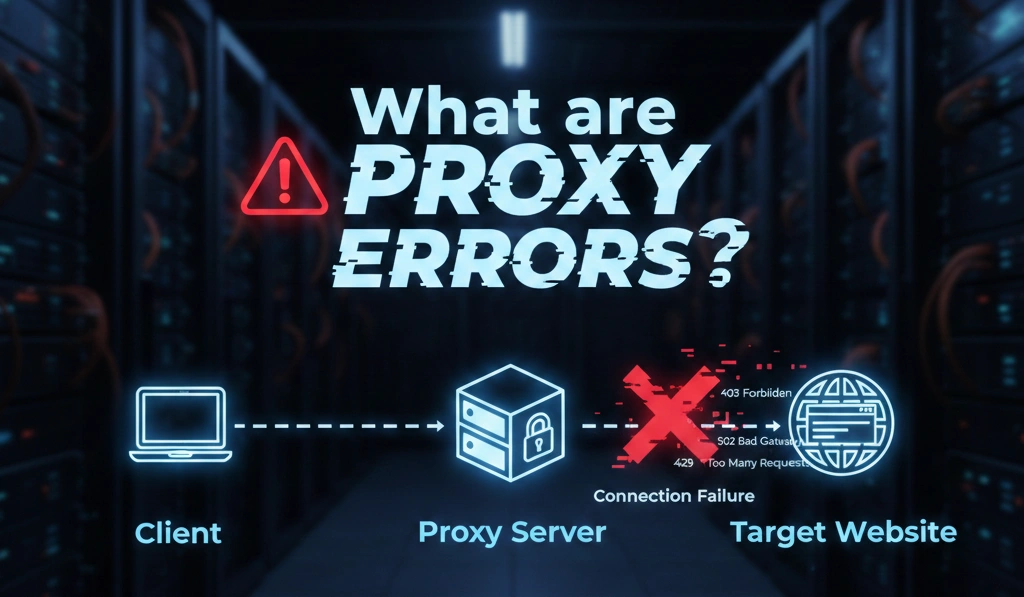
What are proxy errors? Simply put, they are signals that something has gone wrong in the “handshake” between your device and the internet. When you send a request through a proxy, it acts as an intermediary. If the target website rejects the request, or if the proxy server itself is overloaded, it returns a specific numerical code.
For SEO experts and data analysts, these codes aren’t just annoyances—they are diagnostic data points. By identifying whether the issue is a 429 Too Many Requests or a 502 Bad Gateway, you can adjust your strategy to avoid being flagged as a bot.
Common Client-Side Proxy Error Codes (4xx)
Client-side errors usually mean there is an issue with the request being sent or the permissions associated with your proxy.
1. 407 Proxy Authentication Required
This is the most frequent error for new users. It means the proxy server is reachable, but you haven’t provided the correct credentials.
- The Fix: Double-check your username and password in your software. If you use IP whitelisting, ensure your current local IP is authorized in the OkkProxy dashboard.
2. 403 Forbidden
A 403 error occurs when the target website understands your request but refuses to fulfill it. This is a clear sign that your proxy IP has been blacklisted or flagged as a “non-human” visitor.
- The Fix: Stop using datacenter IPs for sensitive sites. Switch to OkkProxy Rotating Residential Proxies, which use real household IP addresses that are nearly impossible for websites like Amazon or Google to distinguish from real users.
3. What is proxy error 404?
In a proxy context, a 404 Not Found means the proxy successfully connected to the target server, but the specific page you are looking for does not exist.
- The Fix: Verify the URL for typos or check if the site’s structure has changed.
4. What is proxy error 429?
The 429 Too Many Requests error is a rate-limit trigger. It means you’ve sent too many requests from a single IP in a short period.
- The Fix: Implement a longer delay between requests or use rotating mobile proxies from OkkProxy to provide a fresh IP for every new request.
Understanding Server-Side Proxy Error Codes (5xx)
These errors generally indicate that the problem lies with the proxy server or the destination website’s server.
502 Bad Gateway
This happens when the proxy server receives an invalid response from the target website. This is common when using “free” or low-quality proxy lists where the IPs are already dead or unstable.
504 Gateway Timeout
A 504 error means the proxy server was waiting for the target site to respond, but the connection timed out. This often happens during peak traffic hours or when scraping high-security websites.
Proxy Error How to Fix: The Ultimate Troubleshooting Checklist
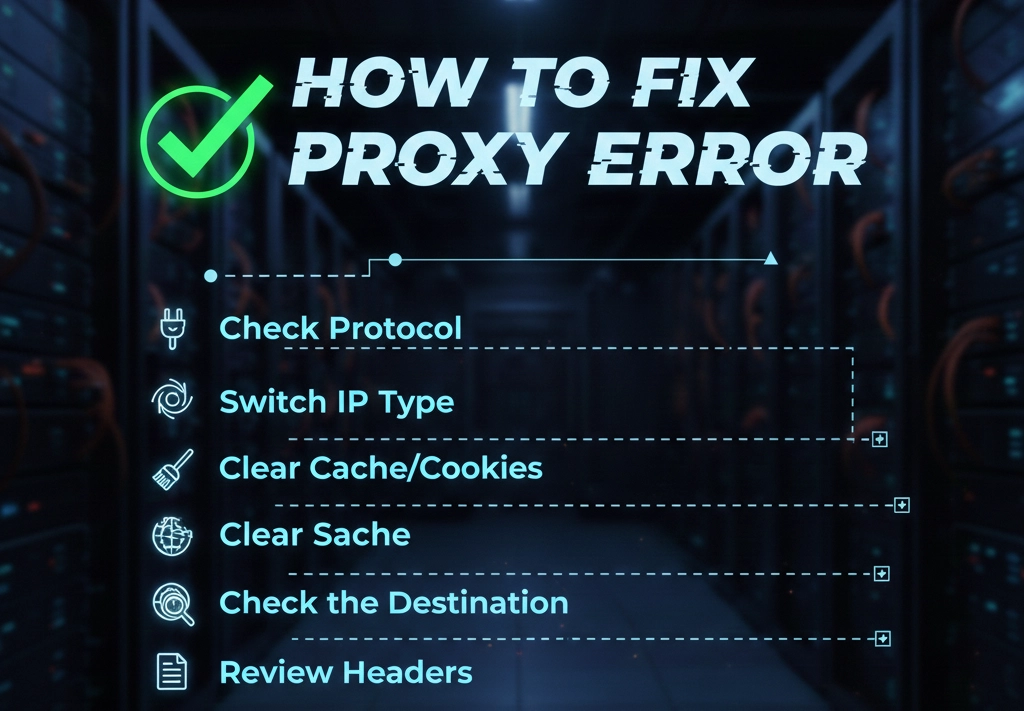
Before you contact support, go through this checklist to resolve 90% of connectivity issues:
- Verify Authentication: Ensure your username/password or whitelisted IP is current.
- Check Protocol: Are you using HTTP, HTTPS, or SOCKS5? Match the protocol to your application’s requirements.
- Switch IP Type: If a static ISP proxy is blocked, try a rotating residential proxy to bypass the firewall.
- Clear Cache/Cookies: Sometimes your browser stores old “failed” states.
- Check the Destination: Disable the proxy and try to access the site directly. If it still doesn’t work, the website itself might be down.
- Review Headers: Ensure your “User-Agent” matches a common browser (like Chrome or Safari).
Why OkkProxy is the Solution to Frequent Proxy Errors
Many proxy error codes stem from using “dirty” IP pools or shared datacenter proxies that have already been banned by major platforms. OkkProxy solves these pain points by providing high-quality, ethically sourced IPs across multiple categories:
| Proxy Type | Key Features | Best For |
|---|---|---|
| Residential Proxies | Real ISP-assigned IPs, rotating/sticky sessions, global coverage | Social media management, web scraping, ad verification |
| ISP Proxies | Static residential-grade IPs hosted in data centers | Account management, eCommerce, long-term sessions |
| Mobile Proxies | 4G/5G carrier IPs with high trust scores | Automation, mobile app testing, sensitive platforms |
| Datacenter Proxies | High-speed dedicated resources | Bulk data tasks, high-volume crawling |
All IPs are ethically sourced, regularly refreshed, and optimized to reduce bans, captchas, and connection errors while maintaining stable performance.
Frequently Asked Questions (FAQ)
What is status code 302 and 304?
- 302 Found: This is a temporary redirect. If your proxy keeps hitting 302s, the website might be redirecting your bot to a CAPTCHA page.
- 304 Not Modified: This isn’t an error. It tells your browser to use the cached version of a page, saving you data and bandwidth.
Why do I keep getting 403 errors on Google?
Google has advanced detection for automated traffic. If you use datacenter proxies, you will hit 403 errors instantly. Using OkkProxy’s residential network allows you to perform SEO monitoring and rank tracking without being blocked.
How do I avoid 504 Gateway Timeouts?
Increase the timeout setting in your scraping script (e.g., set it to 30 or 60 seconds). Additionally, ensure your proxy provider has a global network. OkkProxy offers servers in over 190 countries, ensuring you can always find a fast node near your target.
Final Thoughts
Navigating proxy error codes doesn’t have to be a headache. By understanding the difference between a simple authentication error (407) and a sophisticated IP ban (403), you can optimize your digital operations for better results.
For professionals who cannot afford downtime or inaccurate data, investing in a premium service is essential. OkkProxy provides the stability, global coverage, and high-purity IP pools needed to bypass blocks and scale your business effortlessly.
Stop struggling with connection failures.