Quick Answer
Google Gemini student verification requires eligible students to confirm their enrollment through SheerID using accurate academic information and a stable verification environment. To successfully verify your student status on Gemini, ensure your school records are up to date, use your official student email, maintain consistent IP and device signals, and complete the SheerID verification process without interruptions. Attempting to bypass SheerID or automate verification may result in permanent disqualification from Gemini student offers.
Why Google Gemini Student Verification Gets Blocked by IP Location
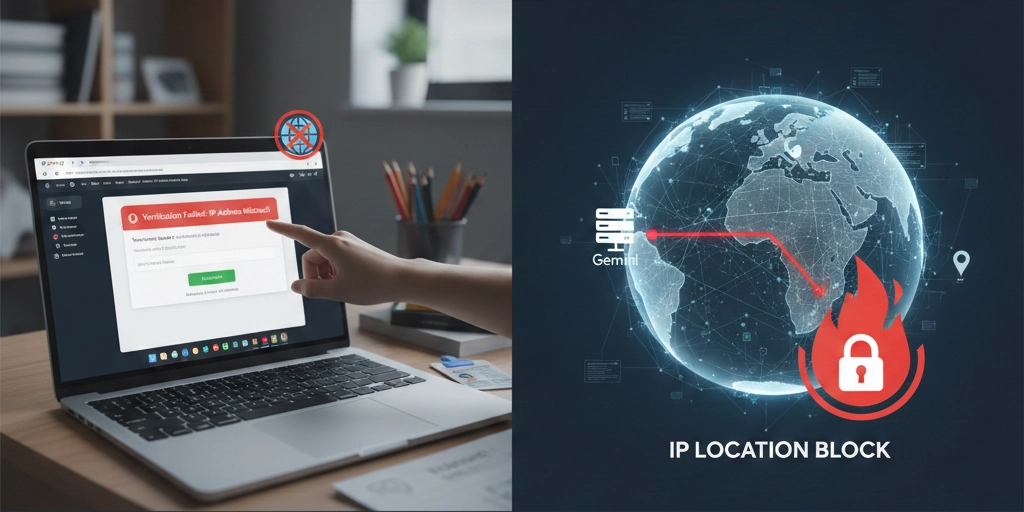
Many college students hit a frustrating wall during Gemini student verification when trying to claim the free 1-year Google Gemini Advanced offer. Even with a perfectly legitimate .edu or international university email, the SheerID verification page frequently throws errors like “This offer is not available in your country/region” or “Unusual network activity detected” — instantly blocking the entire Gemini student verification process and leaving the free Gemini 1.5 Pro access out of reach.
The root cause is simple: Google checks the IP address during verification, and if it doesn’t match an eligible country or appears to come from a datacenter/VPN, the process fails instantly. This is where high-quality residential proxies become the perfect workaround.
By routing your traffic through a real household IP from a supported country (US, UK, Canada, Australia, etc.), the verification system sees you as a genuine local student. OkkProxy’s 500M+ clean residential pool makes this painless — just pick a city-level US/UK IPs, pair them with a clean browser profile, and SheerID approval usually arrives within 24–48 hours. No VPN detection, no reCAPTCHA loops, just a smooth pass.
Introduction: Why Gemini Student Verification Fails
Google Gemini is an advanced AI assistant from Google that offers tools for writing, coding, learning, and research.
The Gemini Advanced Student Plan allows verified university students to access premium features for free or at reduced rates.
However, many users encounter this message during verification: “Your region is not supported for student verification.”
This happens because:
- Google determines your region through your IP address;
.eduor educational domains are restricted by country;- VPN or datacenter IPs trigger Google’s security filters.
To fix this issue, you need a real residential IP from the target country —and OkkProxy provides exactly that.
Why Use OkkProxy for Gemini Student Verification?
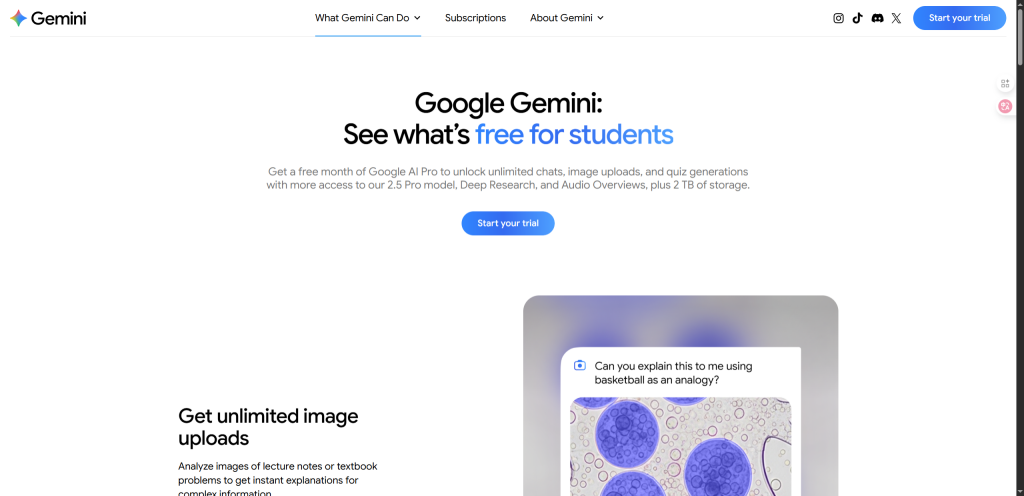
OkkProxy offers residential proxies from real home networks in over 220 countries. These IPs behave like genuine local users, helping you appear as if you’re connecting from the correct region.
Key Benefits of OkkProxy:
- Global coverage — choose IPs from the U.S., U.K., Canada, and more;
- High speed — low latency ensures smooth page loading;
- Privacy protection — no data logging or tracking;
- Full protocol support — HTTP(S) & SOCKS5 compatible;
- Flexible pricing — affordable plans for students.
By connecting through an OkkProxy node in your school’s region, you can pass Gemini’s eligibility checks easily.
Step-by-Step Guide to Using OkkProxy
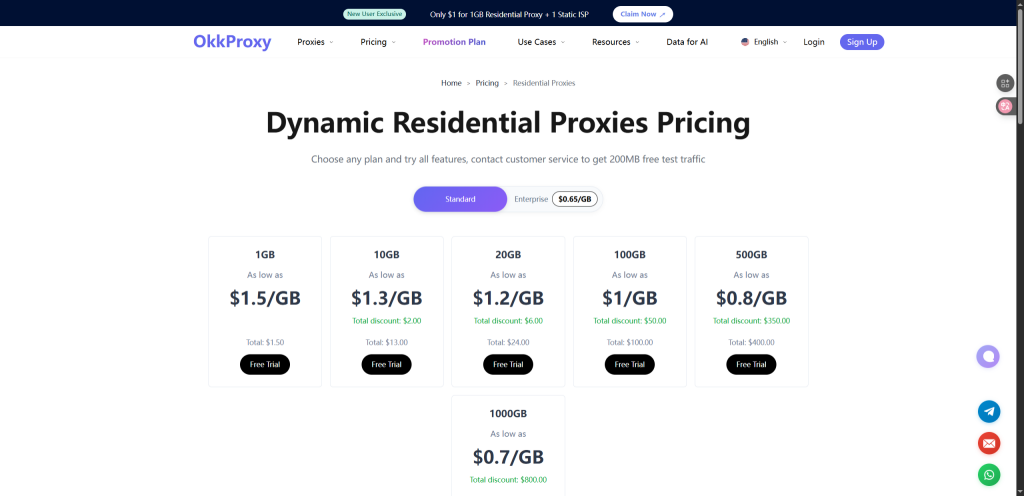
Step 1: Sign Up on OkkProxy
Visit OkkProxy.com and create an account.
Select a Residential Proxy or ISP Proxy plan for the most stable performance.
Step 2: Select Target Region
Choose the same country as your school’s domain.
For example, .edu → United States node.
Step 3: Configure Proxy Settings
In your browser or system settings, enter:
- Proxy type (HTTP or SOCKS5)
- Proxy IP and port
- Username & password provided by OkkProxy
Step 4: Access the Gemini Student Verification Page
Open gemini.google.com, log in using your student account, and begin verification.
With OkkProxy active, Google will recognize your IP as local.
Step 5: Complete the Verification
Submit your verification details and finish the process. You’ll gain full access to Gemini Advanced for Students.
Tips for a Successful Verification
- Clear cookies and cache before starting;
- Use one IP for the entire process;
- Avoid switching regions mid-verification;
- Keep your proxy credentials private.
Understanding the SheerID System and Why Bypasses are Needed
When you attempt to verify your student status Gemini, you aren’t dealing with Google directly, but with a third-party verification service called SheerID. Many users search for a sheerid bypass gemini method because the system is notoriously sensitive. If your browser fingerprint or IP address doesn’t perfectly match your educational credentials, you’ll get flagged.
A gemini sheerid bypass isn’t about “faking” credentials, but rather about ensuring your network environment is clean enough to prevent false rejections. Using a residential proxy is the most effective bypass sheerid gemini strategy because it eliminates the “unusual activity” flags that trigger when using standard VPNs.
Automating the Process: Can You Use a SheerID Verify Bot?
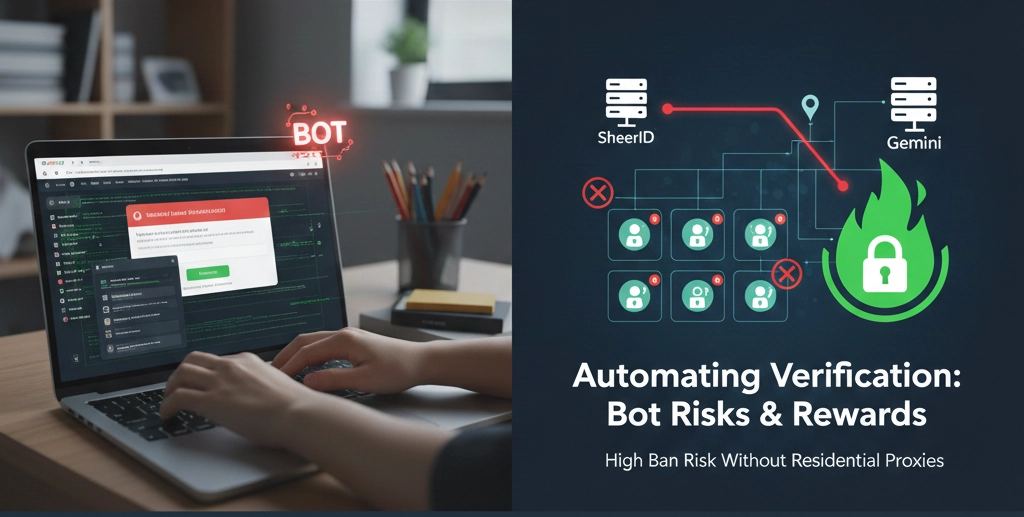
In the developer community, there is often talk about using a gemini sheerid verify bot or a sheerid batch verifier gemini to handle multiple accounts. While automation can speed up the process of checking eligibility, SheerID’s security measures are highly advanced. If you are looking to verify student status google gemini for multiple accounts, consistency is key.
A sheerid verify bot gemini will only be successful if each request is paired with a unique, high-quality residential IP. Without a tool like OkkProxy, a sheerid verification google gemini attempt via automation will likely result in a permanent ban of the student email being used.
Troubleshooting Gemini Student Offer Verification
If you’ve already tried to verify gemini student status and failed, don’t panic. Most failures in student verification for gemini happen because of “IP leakage.” Even if you have a .edu email, if your gemini ip shows a datacenter in a non-supported country, the gemini student offer verification will fail instantly. To fix this:
- Ensure your sheerid verification student gemini process is done in an Incognito window.
- Check that your gemini sheerid verification settings in OkkProxy match the location of your university.
- For those using gemini pro student verify, remember that SheerID may ask for a photo of your ID if the automated check fails; having a clean residential IP makes this manual review much more likely to pass.
FAQ about Passing Google Gemini Student Verification
Is it safe to use OkkProxy with Google?
Yes — OkkProxy uses encrypted connections and doesn’t store browsing data.
Can non-U.S. students verify Gemini with OkkProxy?
Yes. As long as you have a valid student email, OkkProxy can help you connect from an eligible country.
Does OkkProxy work on mobile?
Yes. You can use SOCKS5 proxies on Android and iOS devices.
Conclusion
Google Gemini’s student plan is powerful, but many users face region-based restrictions.
OkkProxy makes it easy to pass verification securely — with real residential IPs, global coverage, and top-notch privacy.
Additionally, click to learn some quick tips for getting Claude AI Pro for free.
Start using OkkProxy today and unlock Gemini Advanced wherever you are.